
Pet Expense Tracker App: See What You Spend on Your Pets
Track pet food, toys, supplies and vet expenses in PetQiu. Explore a pet expense tracker with monthly categories and pet profiles.

Pet Expense Tracker App: See What You Spend on Your Pets
Food here, treats there, a vet visit and a toy that was definitely irresistible. The individual purchases may be small, but it is surprisingly hard to remember what a pet costs across a month.
PetQiu is a pet expense tracker app for iPhone and iPad that helps you record pet-related spending and review it by category. It is also a home for care reminders, daily logs and photos, so the numbers live alongside the pet they belong to.
What can a pet expense app help you track?
Start with the expenses you actually want to understand. Typical entries might include food, litter, treats, grooming, toys, supplies and veterinary care. Add the amount and appropriate category when you record a purchase, then return to the ledger to see how spending is distributed.

You do not have to record every purchase perfectly for the information to be useful. Even a month of consistent entries can show whether routine supplies or an occasional appointment accounted for most of your spending. The chart reflects what you enter; it does not automatically import bank transactions.
One pet or several?
If you care for more than one animal, PetQiu supports multiple pet profiles. Its ledger can show spending for all pets or an individual pet, so you can look at the household total and then focus on one companion.
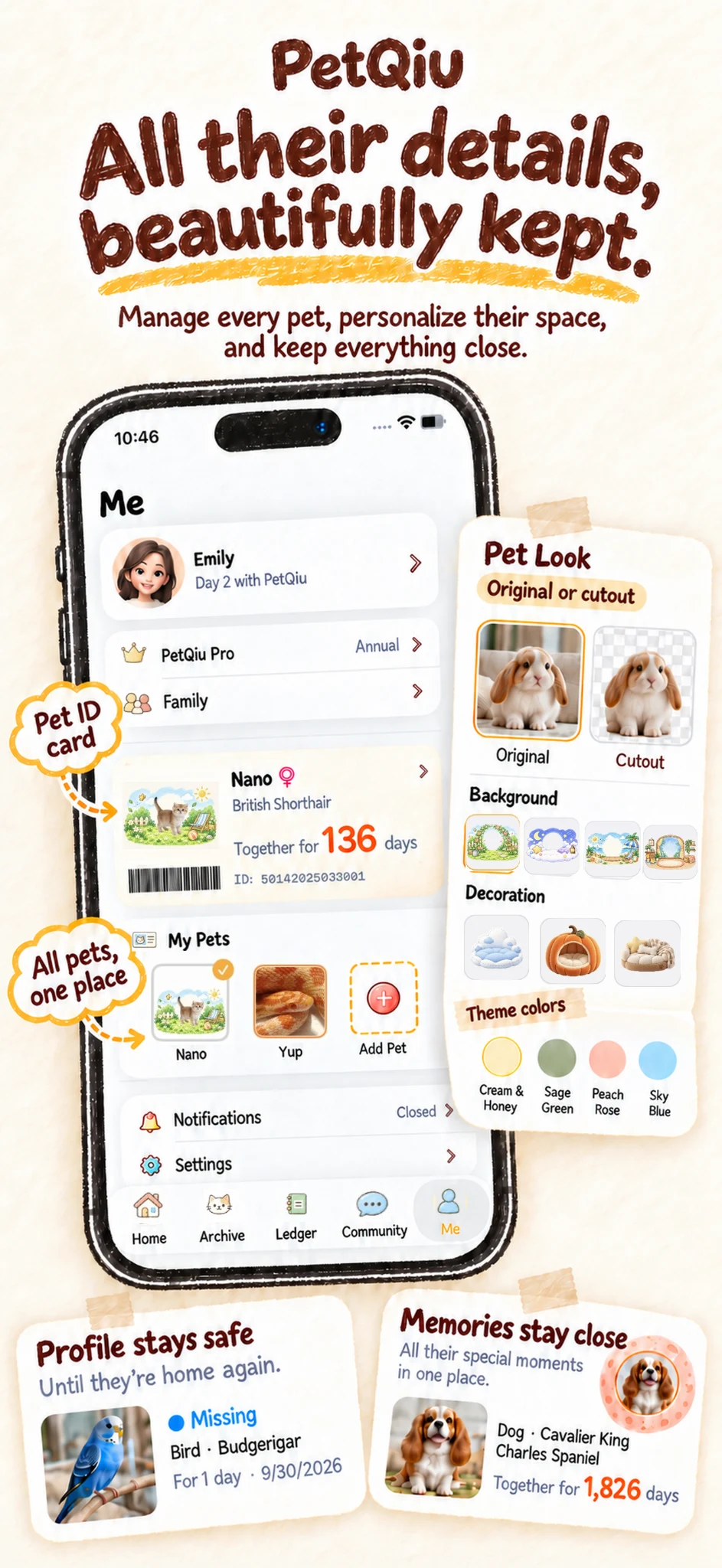
For a household with a cat and dog, you might record the food purchased for each under the relevant profile, while checking the overall monthly view for the bigger picture. Multi-pet management requires PetQiu Pro; current benefits and purchase options are shown in the app.
More than a pet budget
An expense tracker is most useful when it fits the rest of your routine. PetQiu also lets you keep care reminders, record feeding or walks, and save growth photos. You can give your own pet a customizable little room on the home screen.
There is no need to turn pet care into accounting. Use the ledger to answer your own questions: "How much did we spend this month?" or "Are supplies a larger part of our costs than I expected?"
Choosing a pet expense tracker
Look for an app that makes an entry easy, shows useful categories and lets you review the period you care about. If you have multiple pets, check how individual and combined views work and whether a paid plan is required. Also check whether you need automatic bank sync, receipt scanning or financial advice: PetQiu's public description focuses on manually recorded pet expenses and does not promise those services.
Frequently asked questions
Can I track both cat and dog expenses?
Yes. PetQiu supports cats and dogs, with separate pet profiles. Multi-pet management requires Pro.
Does PetQiu automatically set a budget?
PetQiu helps you record and review expenses. Choose your own budget based on your circumstances; the app's publicly described features do not promise automatic budget setting.
Is PetQiu free?
It is free to download with in-app purchases. Some features require Pro; see the current options in the app.
Related: All-in-one pet care app · Pet care app for multiple pets
Published by PetQiu's developer. Product details and current purchase options are available on the App Store.